Room measurement and FIR correction
Measure the room.
Reveal the music.
You know that bass note that seems to turn up on every record? Your room may have a favourite. DecayCore measures your speakers in your listening room and creates FIR correction filters to help bring things back into balance.
Export WAV filters for CamillaDSP, Roon, Equalizer APO, MiniDSP, and other FIR-capable systems.
The packaged download includes guided measurement and Automatic mode. The public source checkout provides Basic and Advanced manual filtering.
Exports filters for
- CamillaDSP
- Roon
- Equalizer APO
- MiniDSP
- Other FIR convolvers
How it works
Three steps from measurement to listening
-
Measure in DecayCore
Put the microphone where you listen and use the guided workflow. The session includes RT60 and harmonic data to help assess lingering bass and the risk of adding boost. Compatible REW text and impulse-response imports remain available when you need them.
-
Generate
Start with Automatic mode and the Asymmetric filter type. DecayCore tries conservative settings and shows you which ones it chose. There is plenty of time to become very particular about them later.
-
Load and listen
Play something familiar. Yes, Hotel California counts. Compare with bypass at the same volume and give the music a chance before opening another graph.
Features
What DecayCore is designed to do
Correct measured problems
Take down the bass peak that keeps stealing the show and smooth broad tonal imbalances where the measurements support it. Deep cancellations need a different approach; pouring boost into them mostly gives the amplifier more work.
Protect headroom
A kick drum needs somewhere to go. Explicit limits on correction strength, bass boost, timing changes, and filter gain keep the correction within bounds.
Explain what it changed
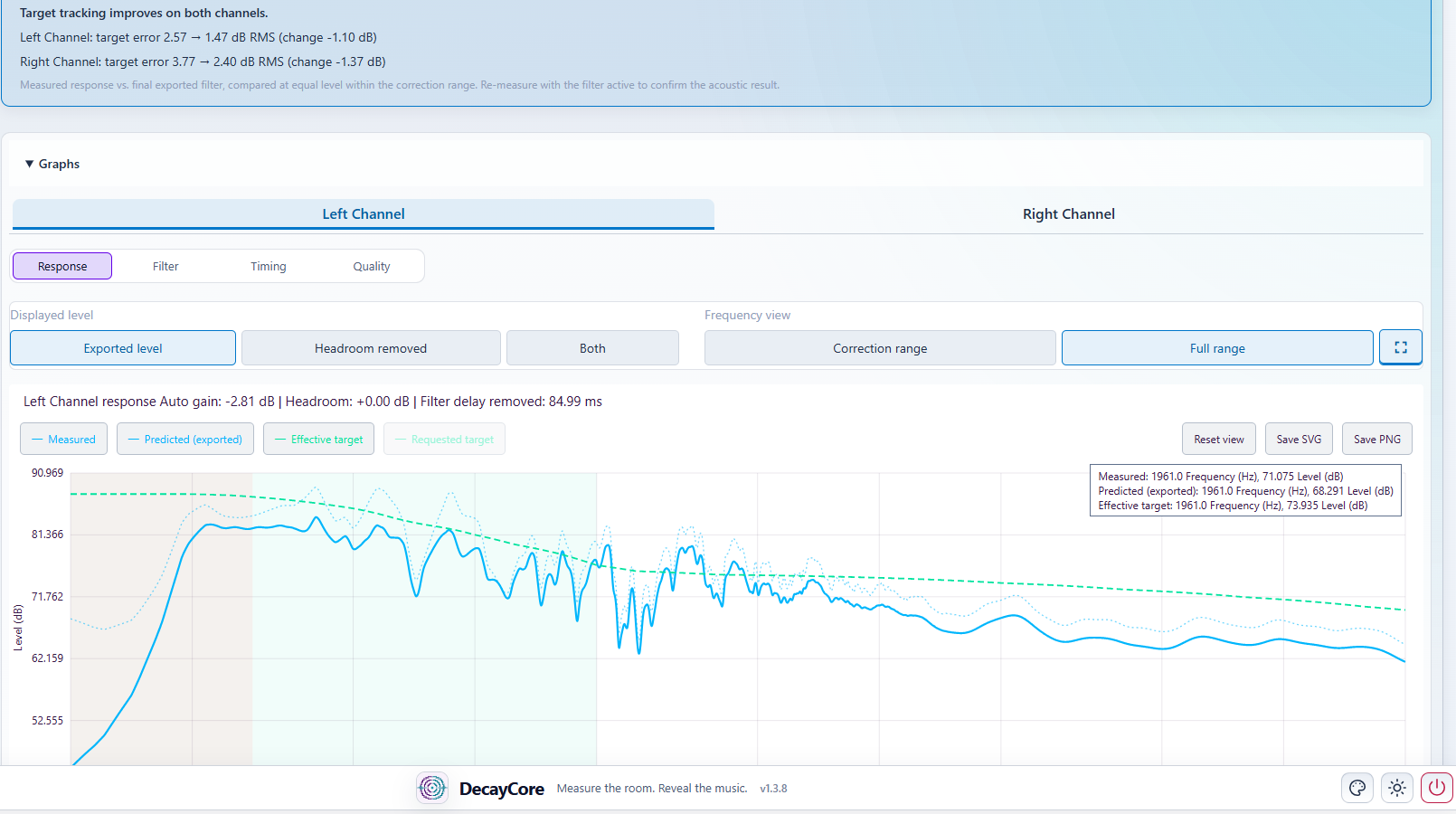
The graphs and summary show what changed, where the limits stepped in, and what needs your attention. Useful when you want to know why that filter won.
Control decay and timing
Some bass notes linger well past their invitation. TDC and bounded phase correction address bass decay and timing where the measurements give them something reliable to work with.
A look inside
One workflow, from input to result
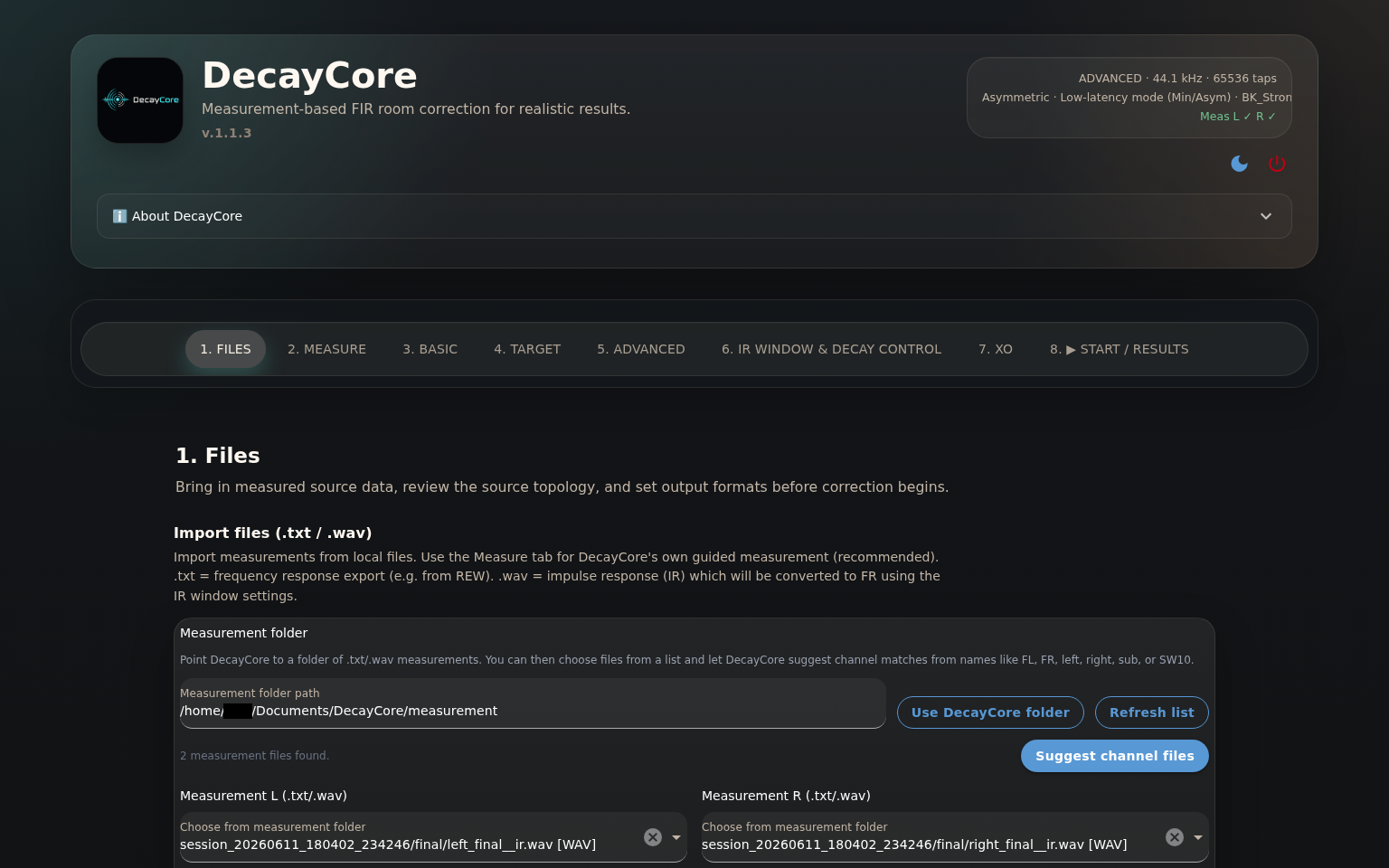
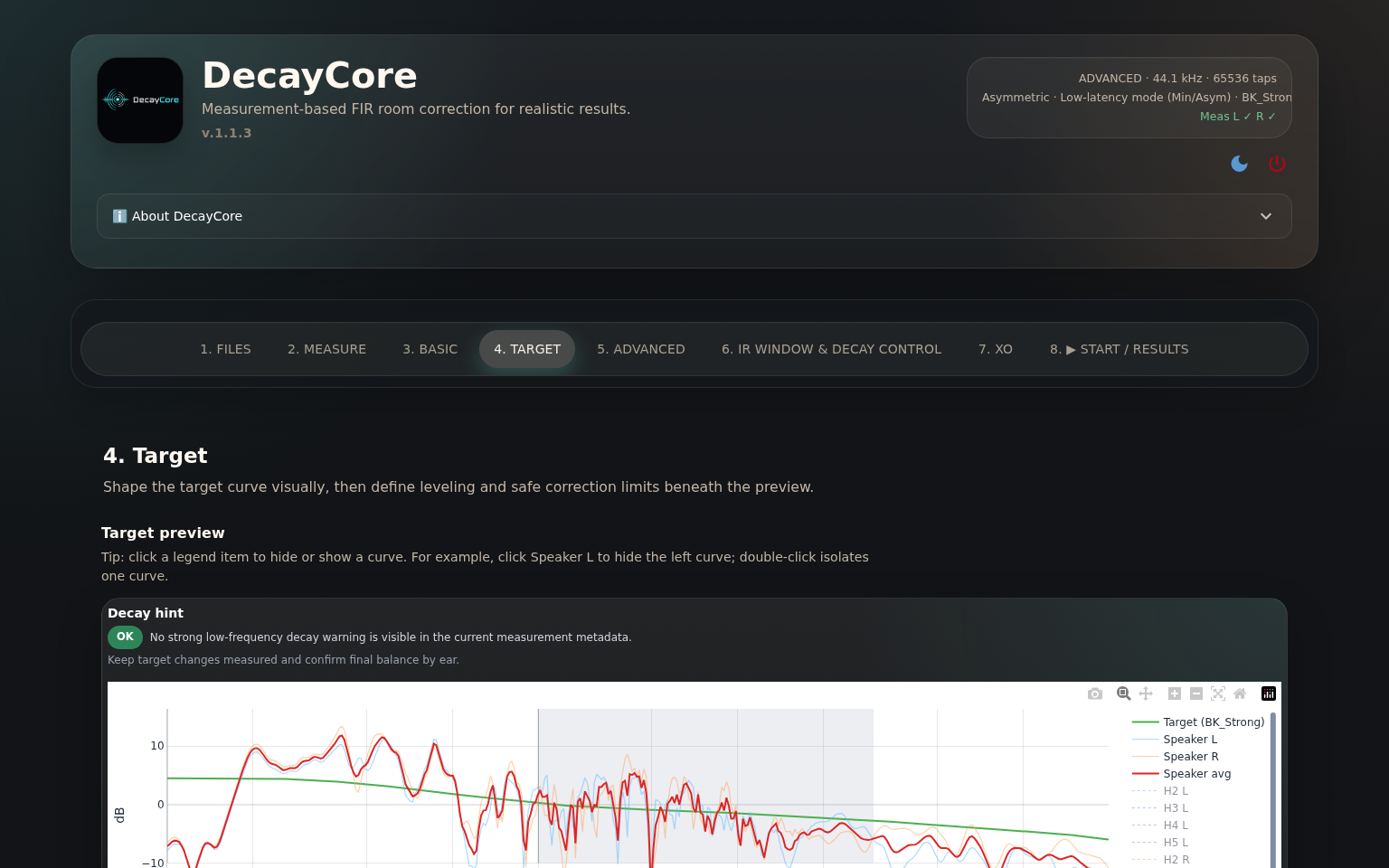
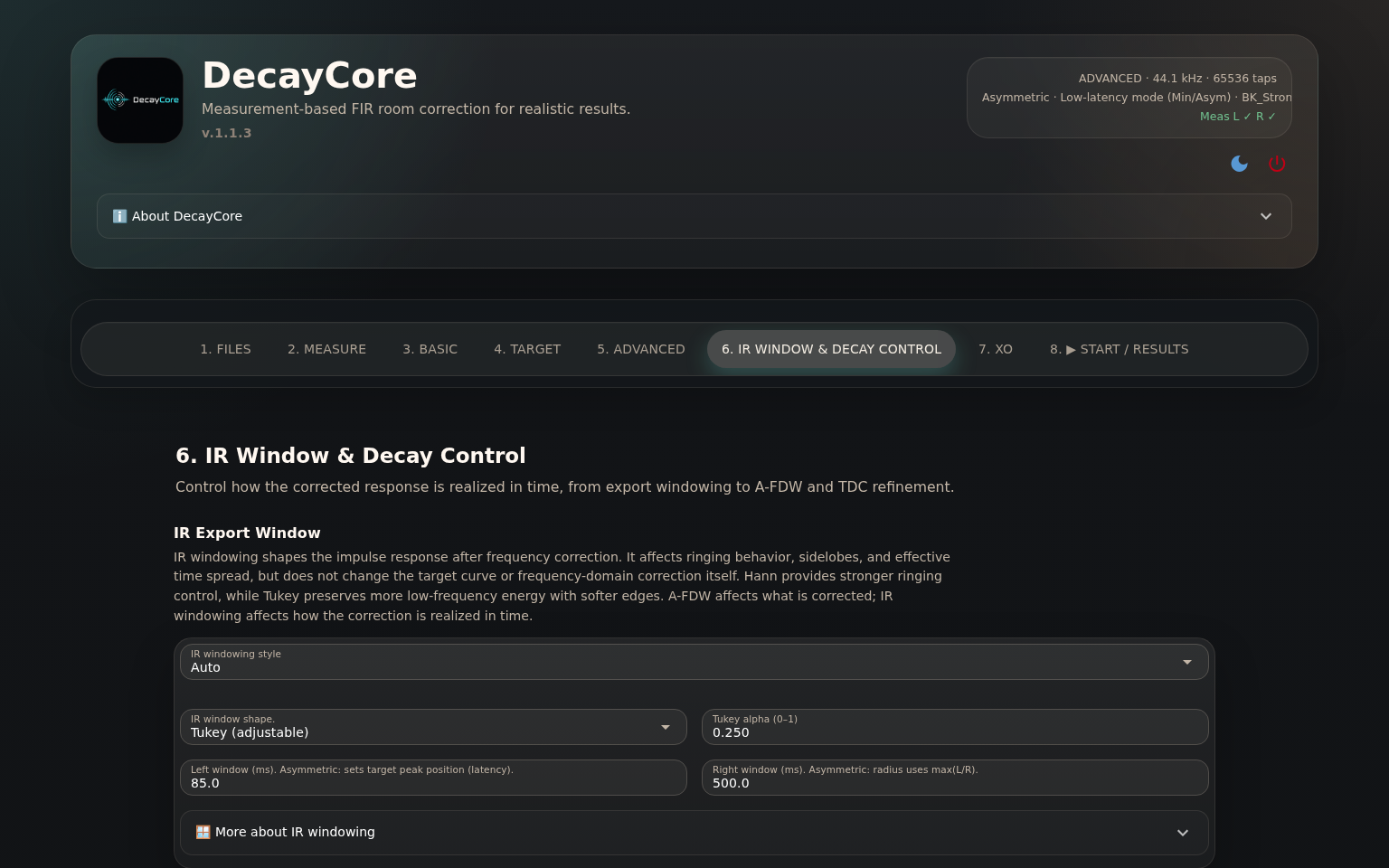
Work through the pages from measurement to export. Automatic mode handles the search and shows its chosen settings, so you have a starting point for listening without spending the evening trying every combination.
The graph is not the result
The result is what you hear
A tidy response plot is satisfying. So is hearing the bass line clearly enough to follow what the player is doing. The second one is why I bother.
Load the filters, start quietly, and play a few records you know well. Compare with bypass at the same volume. Listen to the weight of a kick drum, the body of a voice, and whether the bass lets the next note through. If it sounds worse, it is worse. Your ears do not owe the graph a positive review.
A corrected-system measurement can be useful, but DecayCore does not route its sweep through the exported filters automatically. That requires a separate loop through your convolver.
Learn more
Where to go next
Installation
Install a packaged release on Windows, Linux, or macOS, or run the manual workflow from source.
User manual
What the controls do, how to load your filters, and where to look when something sounds odd.
How it works
The thinking behind the correction, with phase, decay, and the maths available when curiosity wins.
FAQ
Questions about measurements, filters, targets, and getting everything playing nicely together.
DecayCore was formerly called CamillaFIR. The name changed to avoid confusion with CamillaDSP; CamillaDSP compatibility remains.
Create your first filter
Download DecayCore, measure Left and Right, and let Automatic mode find a starting point.