
The Automatic goal tells DecayCore what to favor when it ranks candidate filters. This example runs Balanced, Room-safe, and Low-ripple on the same left-channel measurement, with Mixed phase and the same target, and puts the three winning filters side by side.
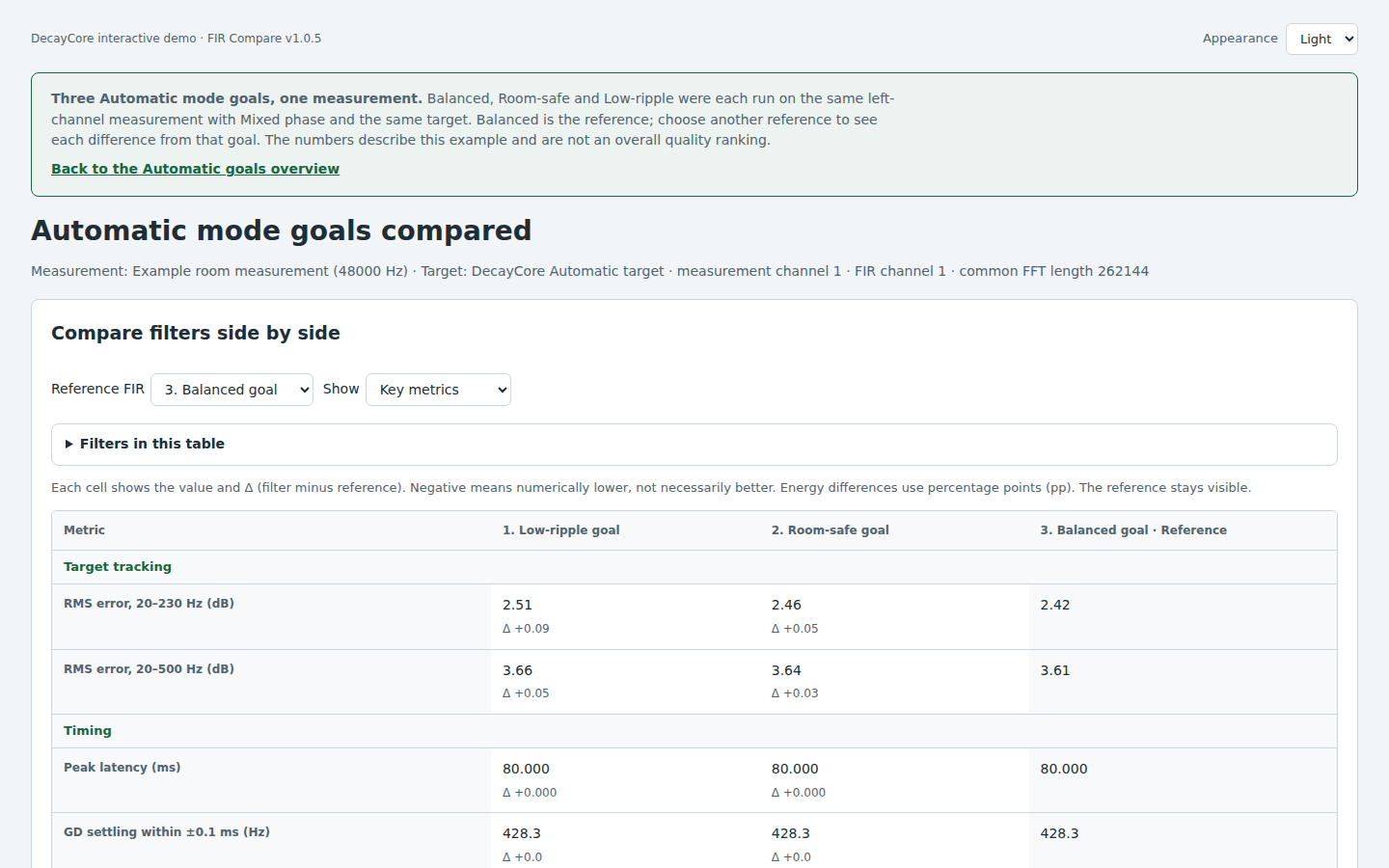
What differs in this example
| Goal | Largest boost | RMS error, 20–230 Hz | RMS error, 20–500 Hz |
|---|---|---|---|
| Balanced | +1.7 dB | 2.42 dB | 3.61 dB |
| Room-safe | +1.4 dB | 2.46 dB | 3.64 dB |
| Low-ripple | +1.1 dB | 2.51 dB | 3.66 dB |
Before correction, the same measurement was 4.06 dB RMS from the target between 20 and 230 Hz, and 4.59 dB between 20 and 500 Hz. All three filters have the same 80 ms latency.
Balanced tracks the target most closely and uses the most boost. Room-safe and Low-ripple accept up to 0.1 dB more target error for less boost. In this room the goals end up close to each other. A room with deeper modes or a less reliable measurement can separate them further.
What you can inspect
- target error, gain, latency, settling, and impulse-energy metrics side by side;
- signed magnitude and group-delay differences against any chosen reference;
- relative or raw FIR magnitude and phase, with or without bulk delay;
- the predicted corrected response of each filter against the target.
These plots describe one measured example. Lower target error or less boost does not by itself establish better audible performance. Check headroom and safety first, then compare filters at matched playback level with familiar recordings.
To choose a goal for your own system, see Choose the operating mode in the manual.